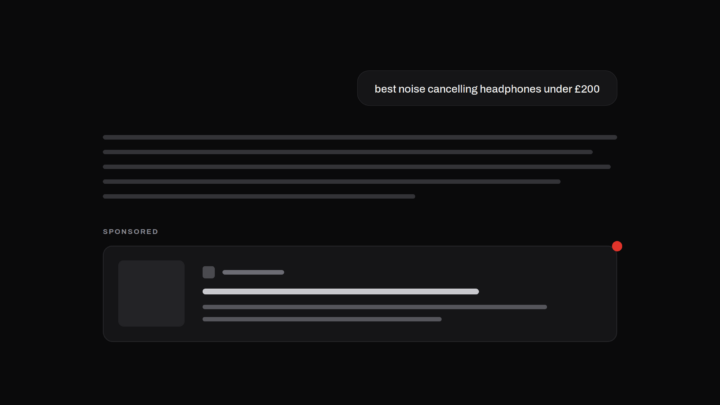

ChatGPT ads launched in the US in February 2026 and reached more than 40 markets by September. If you’re spending there, OpenAI’s Ads Manager reports your impressions, clicks and spend — but not which conversations your ads appeared on, where they didn’t, or who appeared instead. Tracking ChatGPT ads means building that missing view yourself. This guide covers how, starting with the free manual method.
What “tracking” means here
Ad delivery in ChatGPT is contextual and probabilistic. Your ad is matched to the topic of a conversation, and the same question asked twice will not reliably return the same ad — or any ad. So tracking ChatGPT ads is not like checking a keyword ranking, where one look gives you one answer. It’s sampling: asking the questions that matter to your brand, repeatedly, and recording what appears each time.
Three outcomes are possible on any check, and all three carry information — your ad appeared, another advertiser appeared, or no ad appeared at all.
Method 1: manual tracking
You can start today with nothing but an eligible account.
- Use a Free or Go account in your target market. Ads are shown only on these plans, to logged-in adult users. Paid plans are ad-free, so checking from your Plus account tells you nothing.
- Write down the questions your customers actually ask. Not your keywords — the conversational forms. “Best CRM for a small sales team”, “is [brand] worth it”, “cheapest way to insure a car for a 19-year-old”.
- Ask each question and record the result. Which advertiser appeared below the answer, or that none did, plus the date and time.
- Repeat on a schedule. Different times of day, across days and weeks. The picture only stabilises with repetition.
Where manual tracking breaks
Manual checking is genuinely useful for a first look, and it fails in three predictable places as soon as you rely on it.
Sample size. A usable read on a single question runs to dozens of checks. Ten questions in two markets is hundreds of checks per month, done by hand.
Account eligibility. Not every account is served ads, and eligibility is opaque. If your account isn’t eligible, every empty result is unreadable — you cannot distinguish “no advertiser on this conversation” from “this account never sees ads”. Any serious setup needs a way to verify the account is being served ads at all, otherwise the nulls are noise.
Consistency. Without a fixed schedule and a fixed question set, this month’s results aren’t comparable to last month’s, and “our presence dropped” might just mean “we checked at different times”.
Method 2: instrumented tracking
The reliable version of the same idea is an instrument rather than a spot-check: a fixed set of conversations, sampled on a schedule, on real accounts in-market that are verified as ad-eligible, with every outcome recorded — including the empty ones. From that sample you can compute the numbers that matter:
- Presence rate — how often your ad appears on each question, per market.
- Share of voice — your share of all observed ad placements against every advertiser seen in your category.
- Absence — the questions where competitors appear and you don’t, and the ones where nobody advertises at all.
Each figure should carry its sample size. These are estimates from samples, not platform counts, and a percentage without its n is a decoration.
This is what Metistic does. We track ChatGPT ads across live markets on real, eligibility-verified accounts, and report presence, share of voice and absence with the sample stated on every number.
Start free
The free tier covers 10 conversations in one market — enough to put your most important customer questions under measurement and see which advertisers appear on them, how often, and where nobody does.